
Encrypted before it leaves your device
File contents and even file and folder names are encrypted on your device with keys only you hold. Our servers store ciphertext and nothing else.
StorageSync keeps your files in sync across iPhone, iPad, Mac and the web, and encrypts everything on your device first. Even file names. We store ciphertext and could not read it if we wanted to.
Get StorageSync Open the web app
Free. No ads, no analytics, no content scanning.
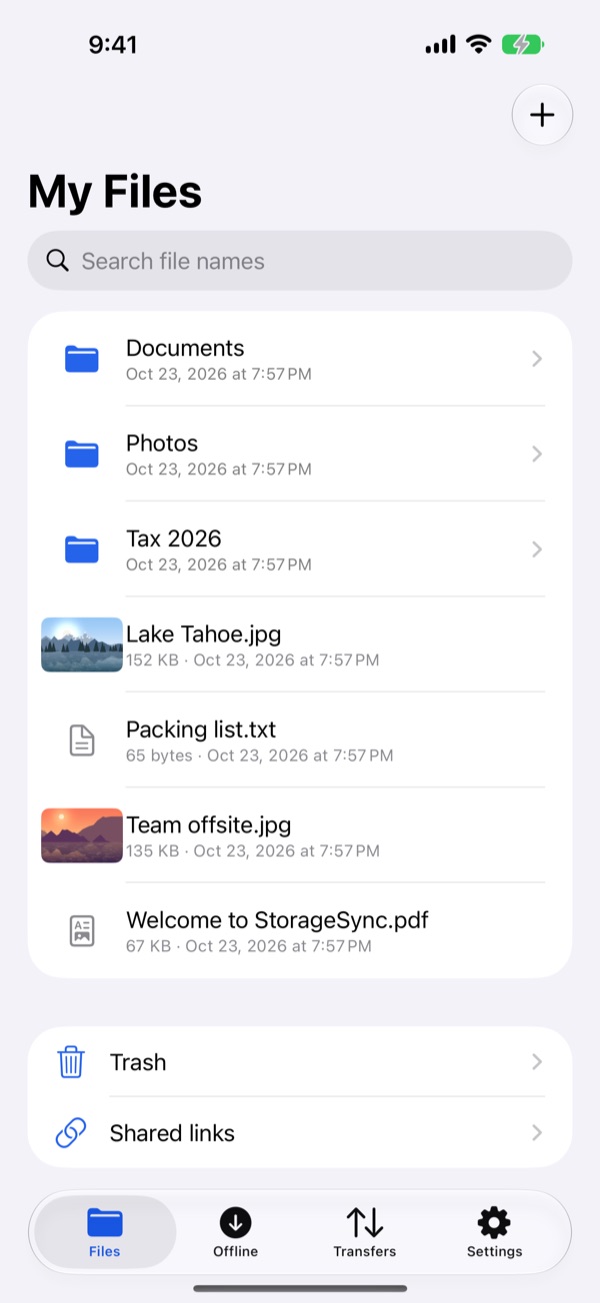
File contents and even file and folder names are encrypted on your device with keys only you hold. Our servers store ciphertext and nothing else.
Drop a file into your sync folder on the Mac, or onto the StorageSync window, and it shows up on your iPhone, iPad and in the browser within seconds.
Files app integration on iPhone and iPad, Finder badges on the Mac, and a full web app for any computer.
New photos and videos upload automatically over Wi-Fi, with cellular optional. Originals stay intact.
The decryption key travels inside the link, never through our servers. Add a password and an expiry, and revoke it any time.
Conflicts keep both versions. Trash and version history keep 30 days. Every transfer is hash-verified.
Keep working in your sync folder without a connection. Changes sync in order when you are back online.
Approve a new device from one you already trust. Sign in with Apple or Google if you prefer; your keys stay on your devices.
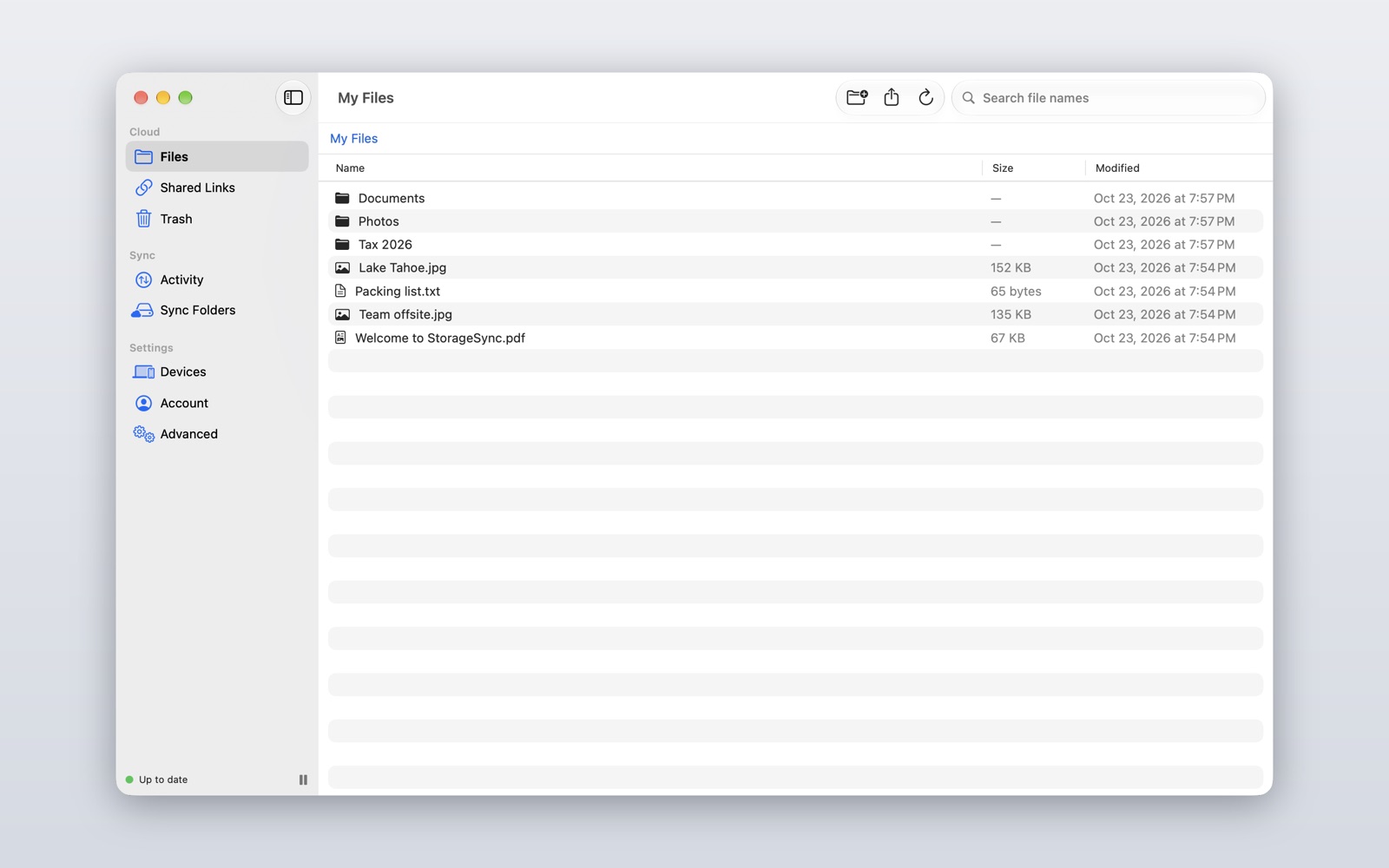
A native Mac app with a menu bar status, Finder badges and drag and drop. Everything in your sync folder stays up to date on its own, with version history and a 30-day Trash behind it.
iOS does not allow an always-on background sync. While the app is open it syncs in real time; in the background it catches up when nudged and the next time you open it. And because only you hold the keys, if you lose both your password and your recovery code, nobody can recover your files. That is the point.